What a session actually looks like
Twenty to thirty minutes, usually. A video plays, KidseAI pauses it four or five times to ask something, and your child answers out loud. The session ends when the daily maximum you set is reached.
The honest version: what happens in a session, what we keep, and what you can switch off.
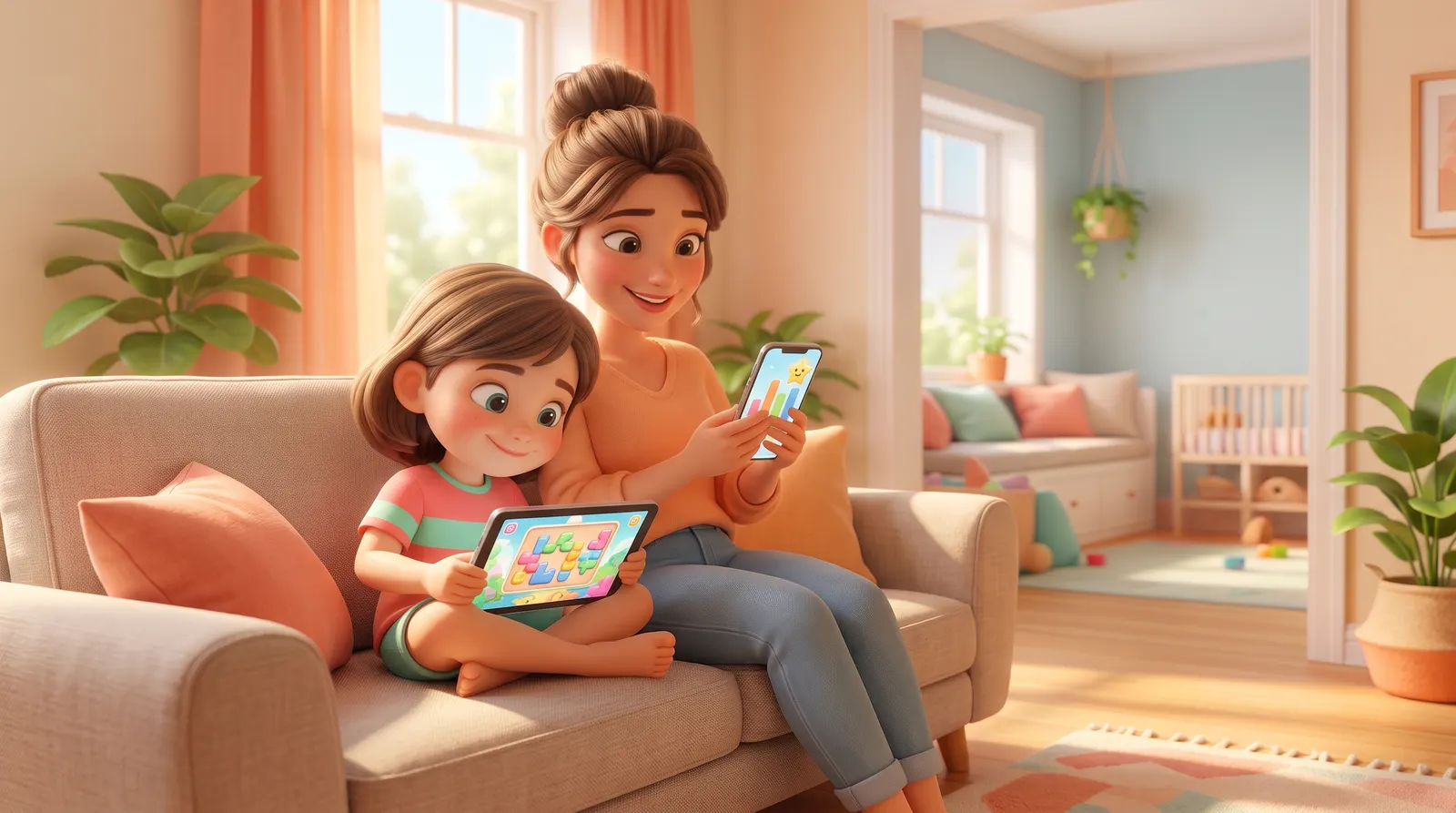
Twenty to thirty minutes, usually. A video plays, KidseAI pauses it four or five times to ask something, and your child answers out loud. The session ends when the daily maximum you set is reached.
The daily minutes, the age range, the topics that are on and off, and whether the microphone is used at all. Every one of these can be changed later without losing your child’s history.
The questions asked, whether they were answered, and the topics covered — that is what your report is built from, and it updates as you go. It stays in your account.
If your child is not yet speaking in short sentences, the spoken-answer loop will frustrate both of you. KidseAI starts at four, and works a good deal better from six.
If your child doesn’t answer the screen back, it isn’t working — and you’ll know quickly.